
Eightmathapps.Onewindow.
Locus is a fast desktop app for graphing, geometry, 3D and algebra. It opens the files you already have, comes with an AI assistant and looks the way you want.
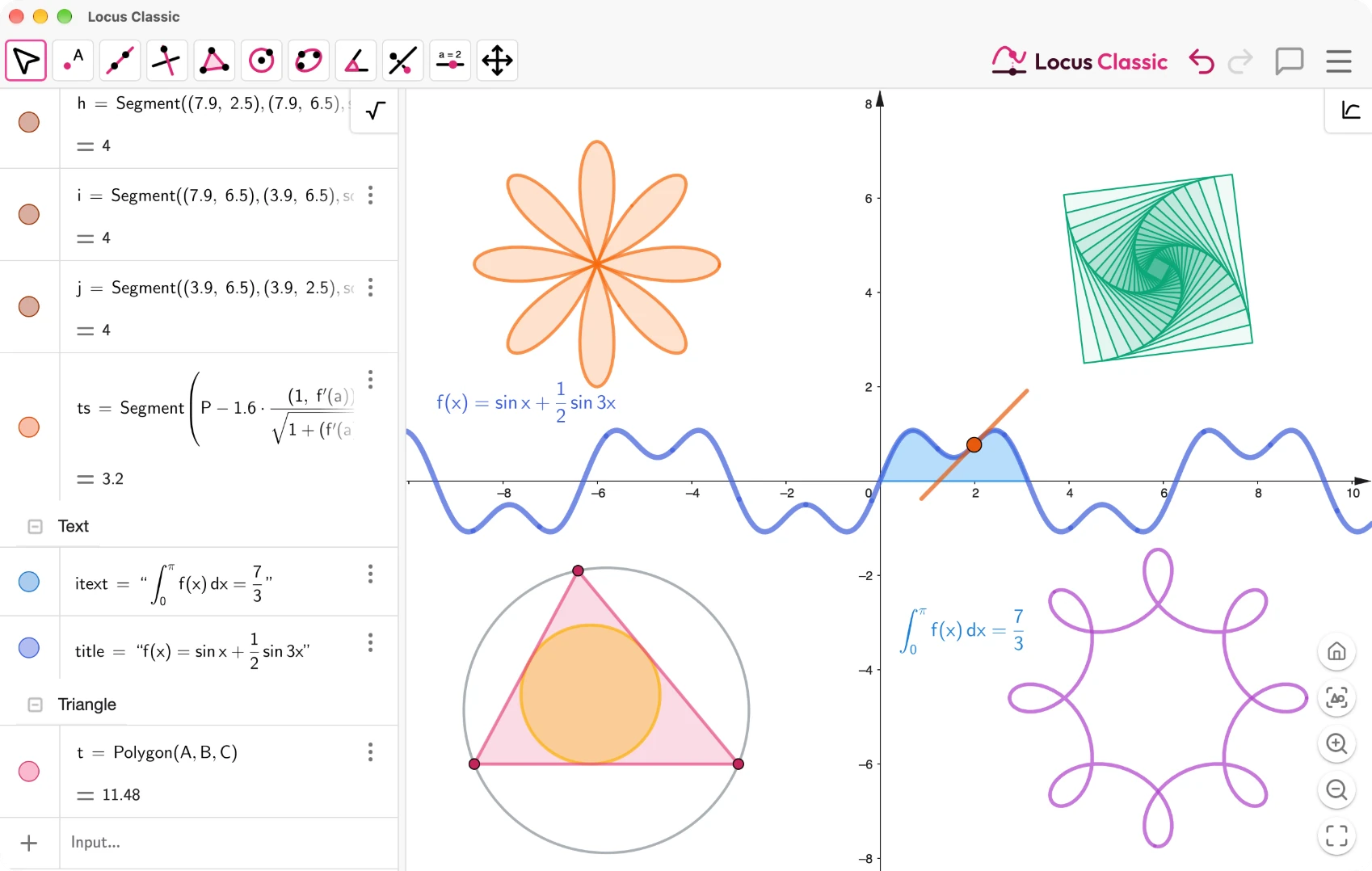
- 17×
- Up to 17× faster than GeoGebra
- .ggb
- Opens all your existing work
- AI
- An assistant that builds with you
- 13
- Themes, or make your own
Speed
Built to be fast
Less waiting, smoother motion. Locus keeps up while you drag, zoom and think.
1×
Up to 17× faster than GeoGebra
The same math, without the wait.
High refresh rates
Locus draws at the full refresh rate of your display, so dragging and zooming stay smooth on 120 Hz screens.
Faster loading
Locus starts quickly and gets you to your work sooner.
The apps
Switch apps, keep your work
Switch apps from the title bar. Your construction comes along.

The full workspace with toolbar, algebra view, graphics, spreadsheet, CAS and probability.

Graphing, geometry, 3D, CAS and probability in one app, with the tools switched from one menu.

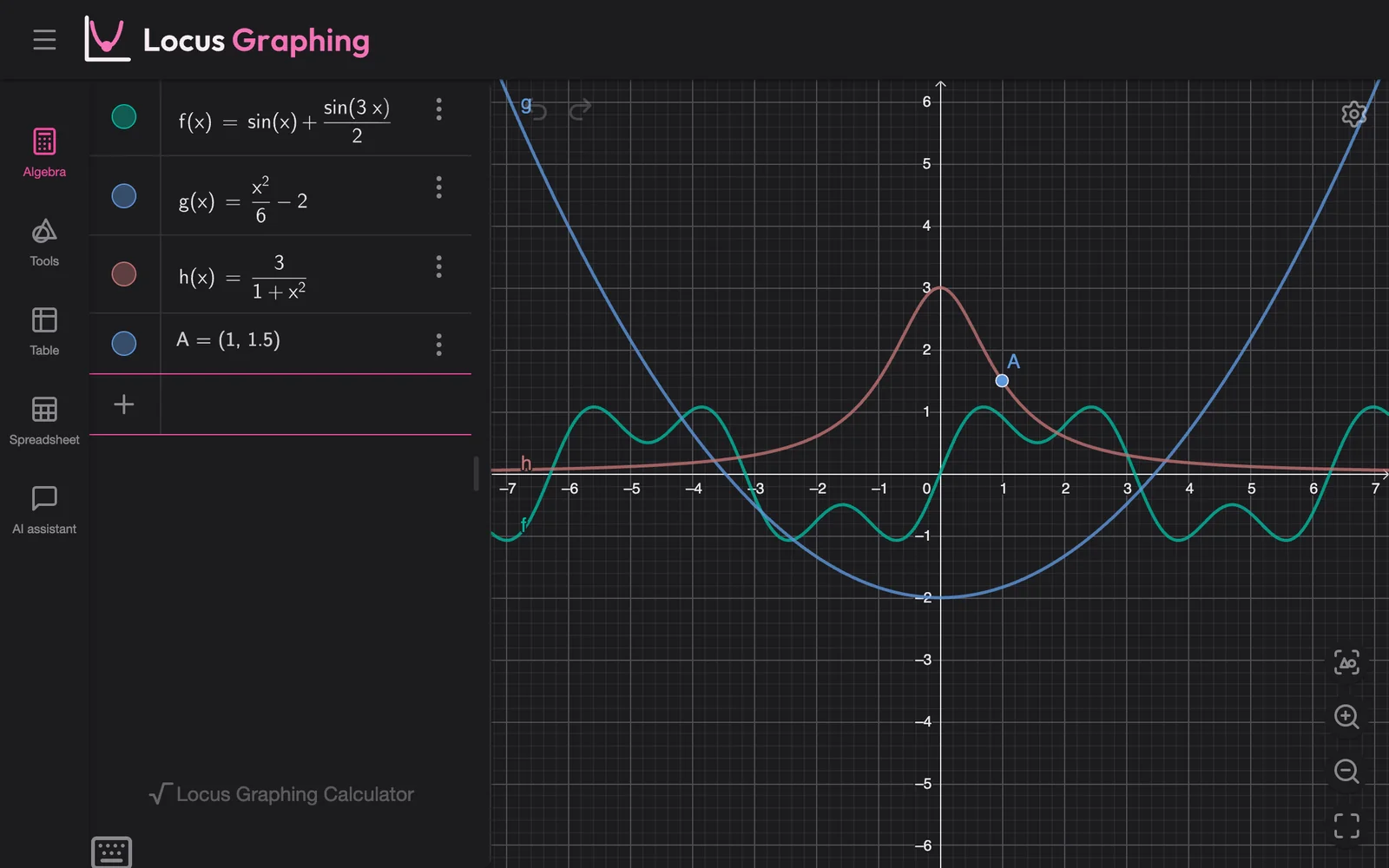
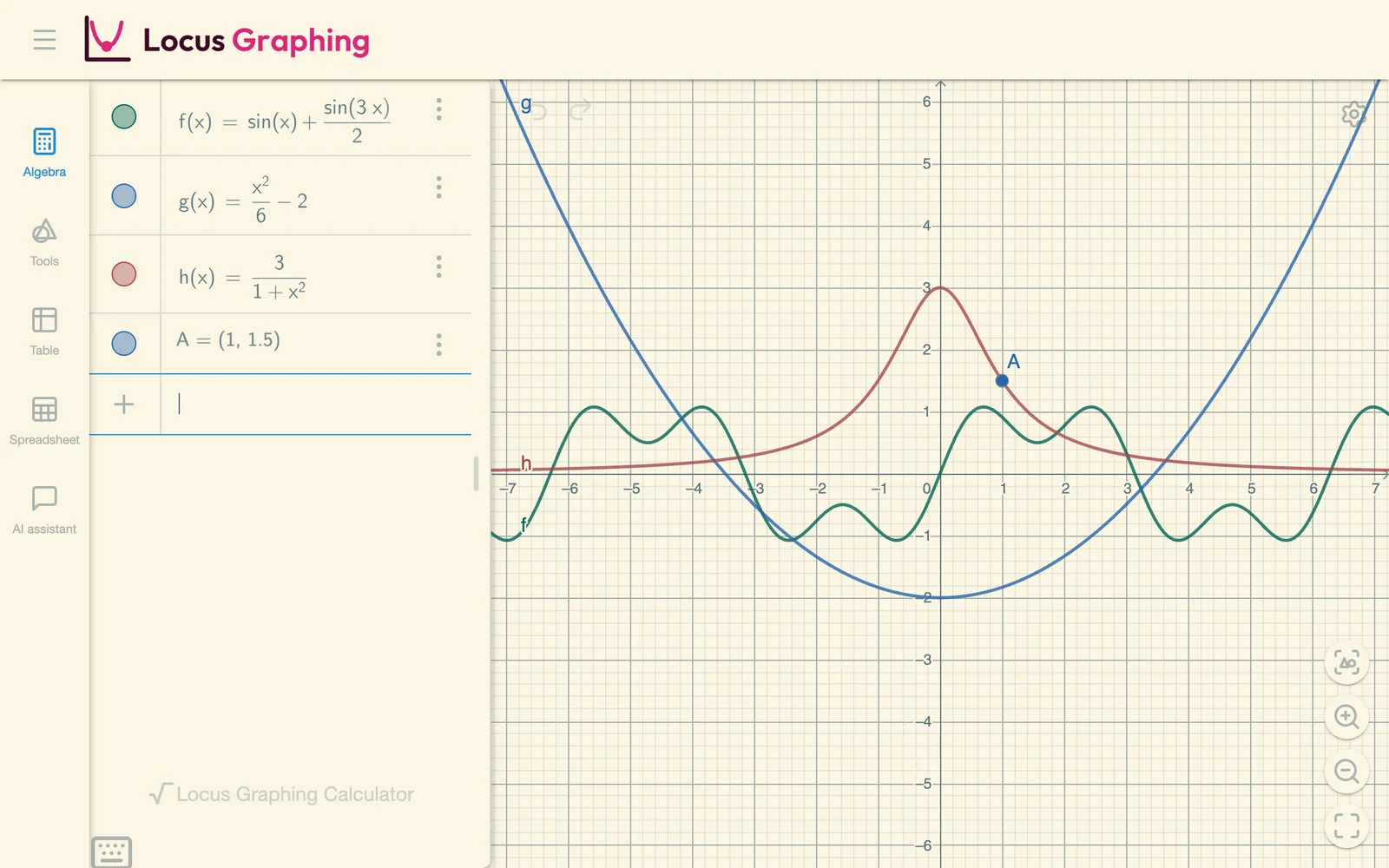
Plot functions, equations and inequalities, add sliders and explore with a table of values.
f(x) = sin x + a · sin 3x

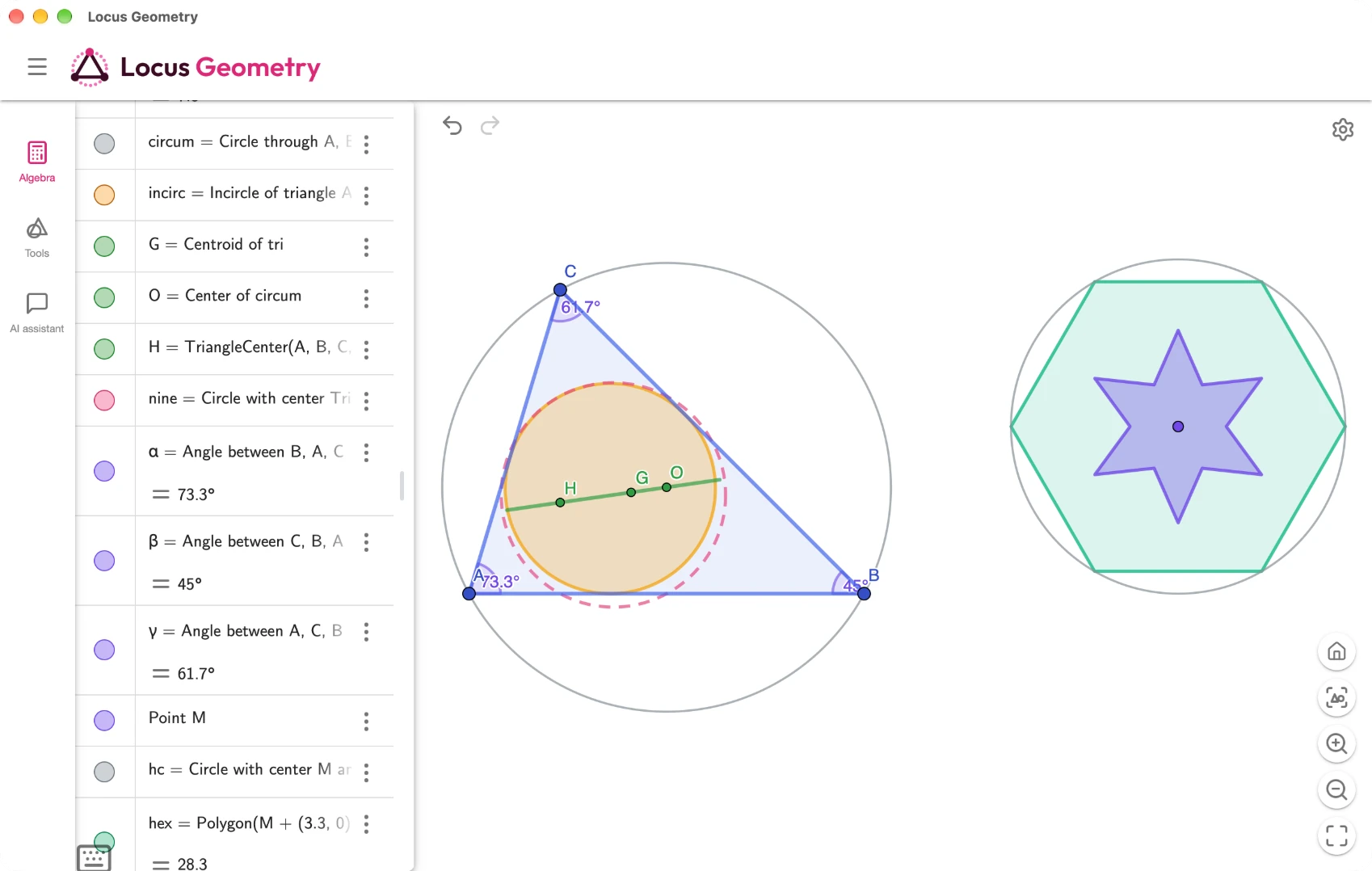
Construct points, lines, circles and polygons, then measure and drag them.

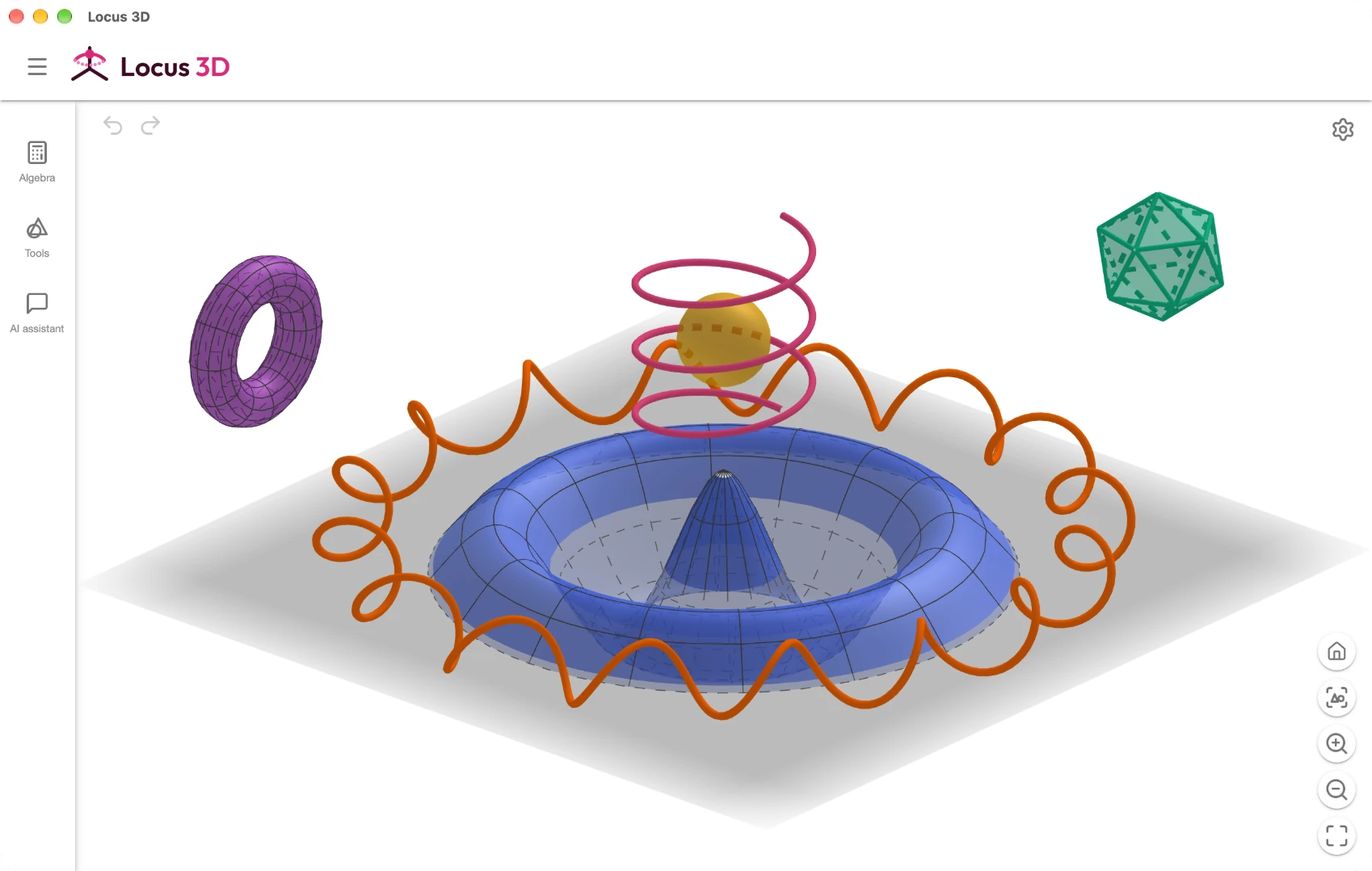
Graph surfaces and build solids in space, then rotate them with the mouse.
Solve equations, factor, differentiate and integrate symbolically.
Solve x² − 5x + 6 = 0
→ x = 2, x = 3
Factor x³ − x
→ x (x − 1)(x + 1)
Derivative x · sin x
→ sin x + x · cos x

A scientific calculator with fractions, statistics and history.

An endless whiteboard for handwriting, sticky notes and graphs side by side.
Compatibility
Compatible with all your existing work
Locus opens and saves the files you already have. Your constructions, custom tools and notes keep working, with nothing to convert.
Constructions
Custom tools
Notes

AI features
AI that helps you create
Create interactive visuals and build complex constructions with AI assistance.
Construct the circumcircle of triangle ABC.
Read the construction
Ran PerpendicularBisector(A, B)
Ran PerpendicularBisector(A, C)
Ran O = Intersect(f, g)
Ran Circle(O, A)
Done. The perpendicular bisectors meet at O, which is the same distance from A, B and C, so a circle around O through A also passes through B and C.
Ask, describe or snap
Ask a question, describe a construction or take a photo of a task.
It sees your work
The assistant sees what is on screen, builds it step by step and explains the math.
Works with your AI tools
A built-in MCP server lets AI apps on your computer read and build constructions in Locus.
Your own key
It runs on Claude with your own API key.
Themes
Make it yours
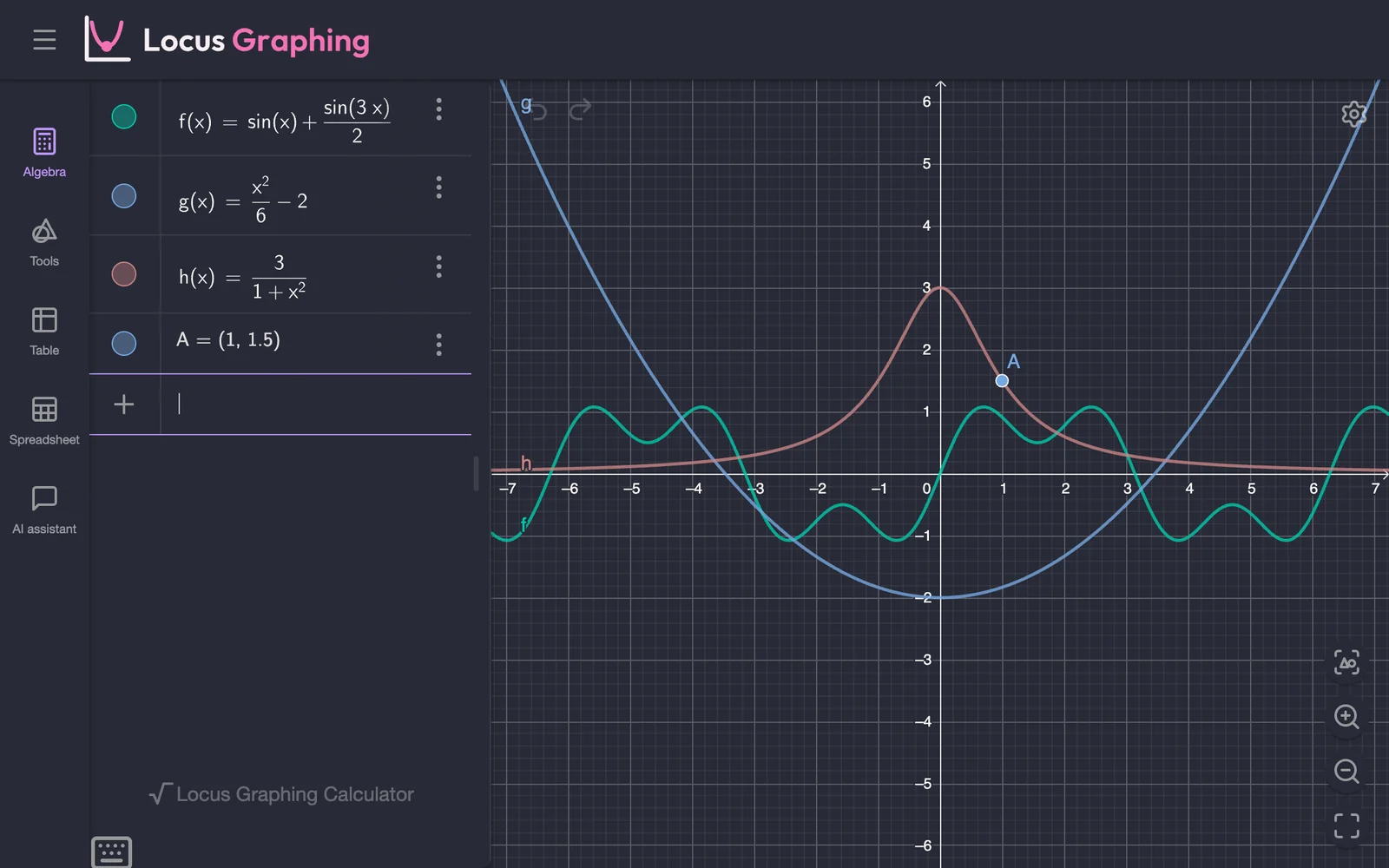
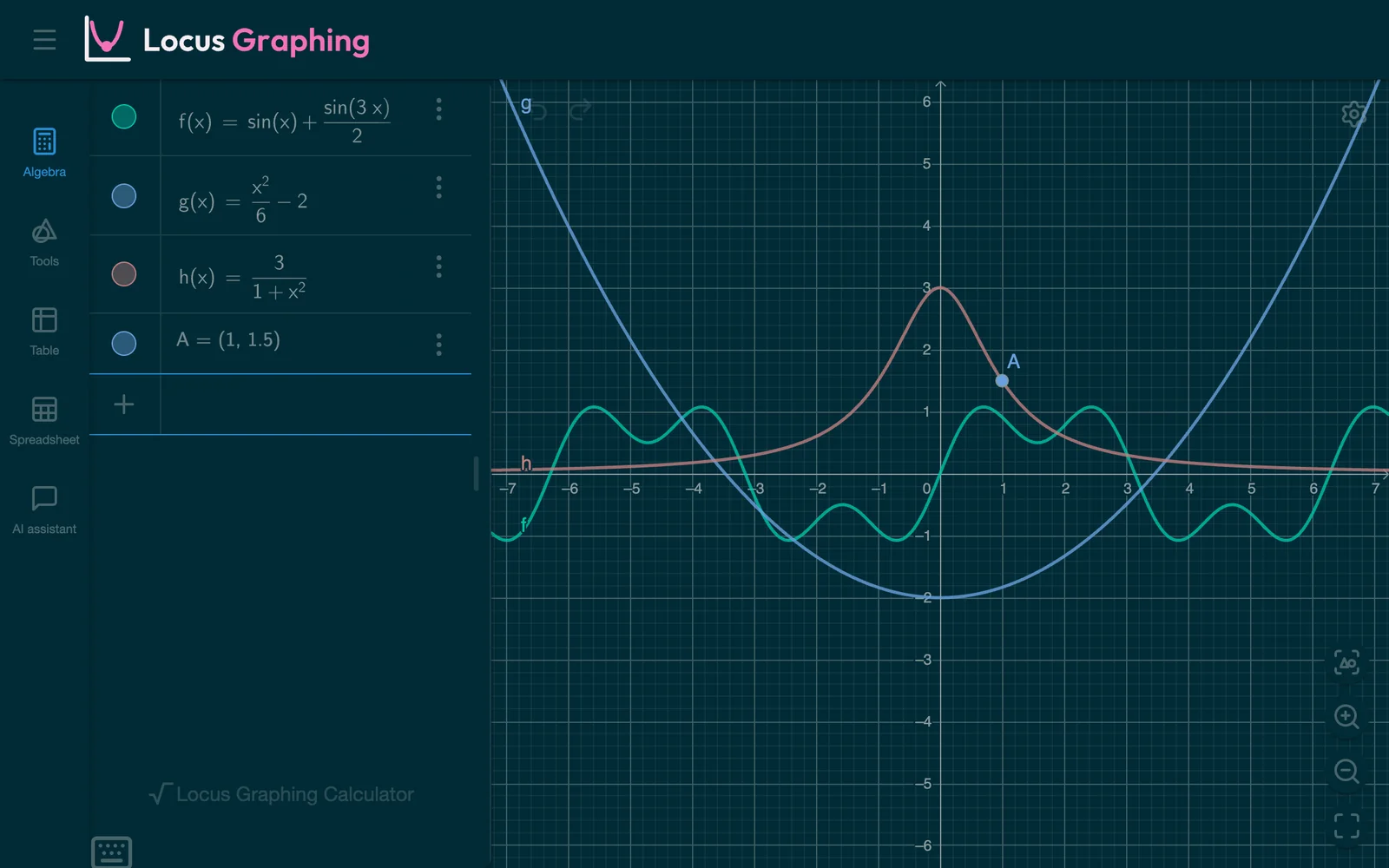
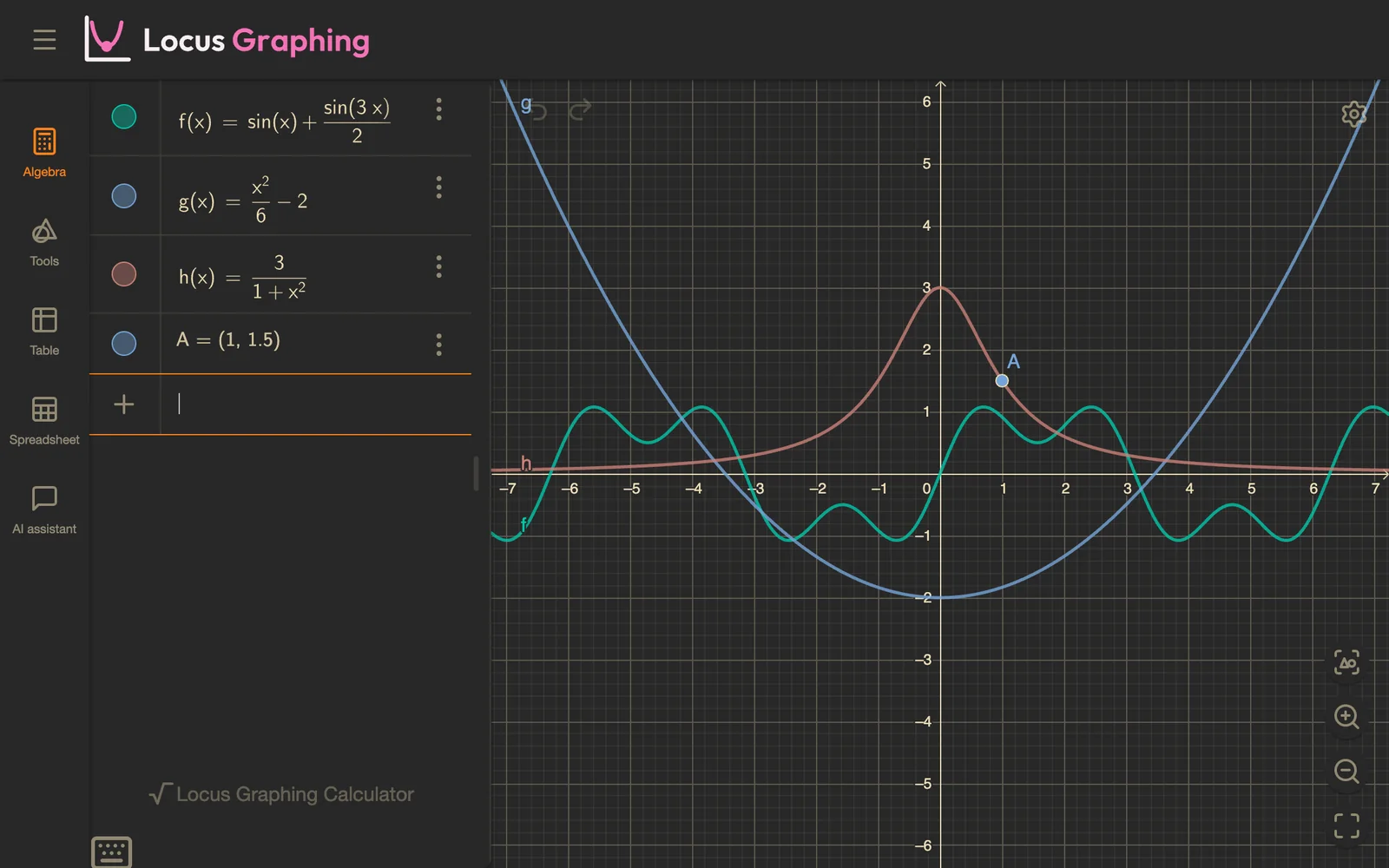
Thirteen built-in themes change the whole app, from the toolbar to the graphs. You can also make your own.
Plugins
Plugins add panels, windows and commands, to enhance and customize your workflow. Drop a plugin file on a window to install it.
Locus Exam
Please decide whether the following Locus Views should be available during the exam.
Exam mode
The Locus Exam mode is compatible with GeoGebra and disables all AI features and Plugins. For more information refer to the docs.
Other enhancements
Multiple windows
Open different apps side by side and pick up where you left off the next time Locus starts.
Resource packs
Swap icons, strings and colors with a single file.
Battery friendly
Limit the frame rate and graphics quality when you are on battery or on lower end devices.
Automatic updates
Locus checks for new versions on start and installs them in one click.
Use without installation
You can use portable versions of Locus and the online version without installation.